 DoughPrint
Describe it
Type “a sitting fox with a bushy tail” and AI sketches a bold, cutter-ready outline in seconds.
Describe your shape in a few words, drop in any photo or pick a ready-made design. AI draws the clean outline and you instantly get a 3D cutter — ready to print and bake. No drawing skills needed.

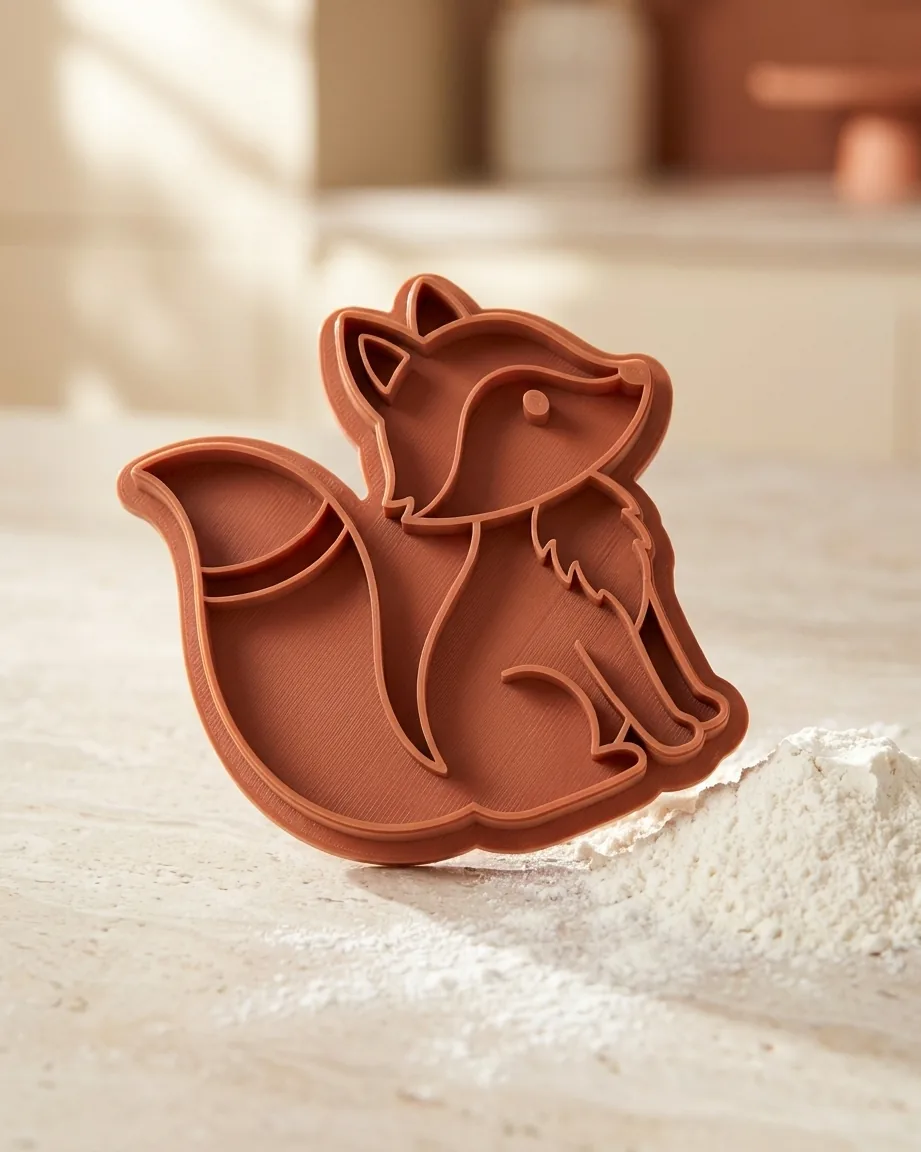

A few words, any photo or a ready-made design is all it takes — every path lands in the same live 3D editor, where you refine it as much (or as little) as you like.
Type “a sitting fox with a bushy tail” and AI sketches a bold, cutter-ready outline in seconds.

A simple photo, a logo or a child's drawing — it's traced into clean, printable lines automatically.

Browse the built-in gallery of silhouettes and open one in 3D with a single click.
No CAD knowledge needed. From a quick idea to a print-ready file in minutes.

Type a short description, drop in any photo or pick a ready-made design — sketching is optional.

AI turns it into a clean, bold line drawing that cuts perfectly — refine it in the editor if you like.

Set layers and heights, download the watertight STL, print and cut your cookies.
The #1 frustration with cutter generators is a failed print — thin lines that vanish, loose pieces, a blunt edge. Every DoughPrint design passes the same battery of automatic checks before you ever hit download, so the first print is the good one.
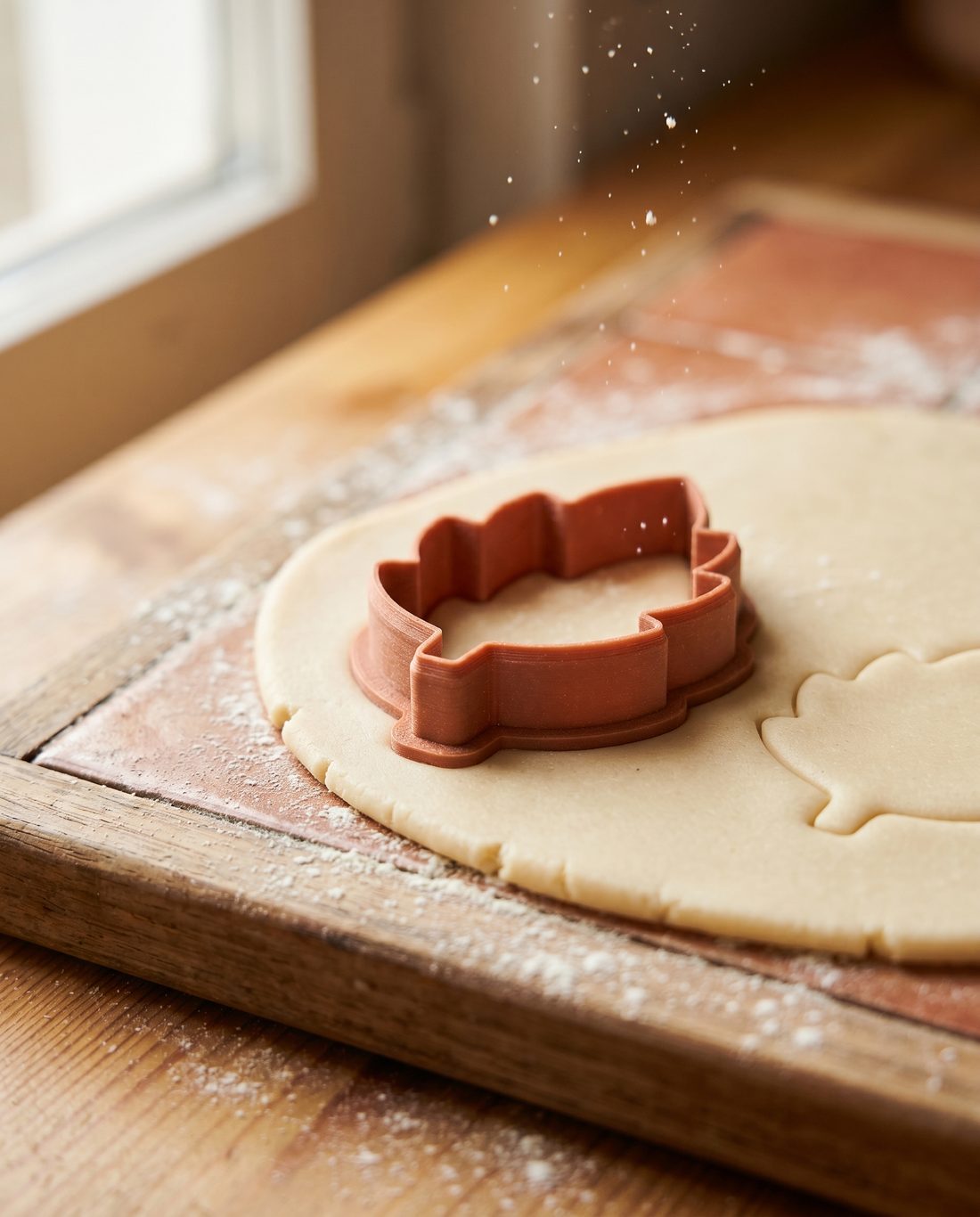
This is where your outline becomes a printable object: a real WebGL viewport where every wall, height and detail responds live — no CAD software, no waiting.


Everything to go from idea to printed cutter — and to present it beautifully.
AI cleans up busy drawings into a clean silhouette. And when you're done, one click makes a dough simulation or an atmospheric product photo of your design.
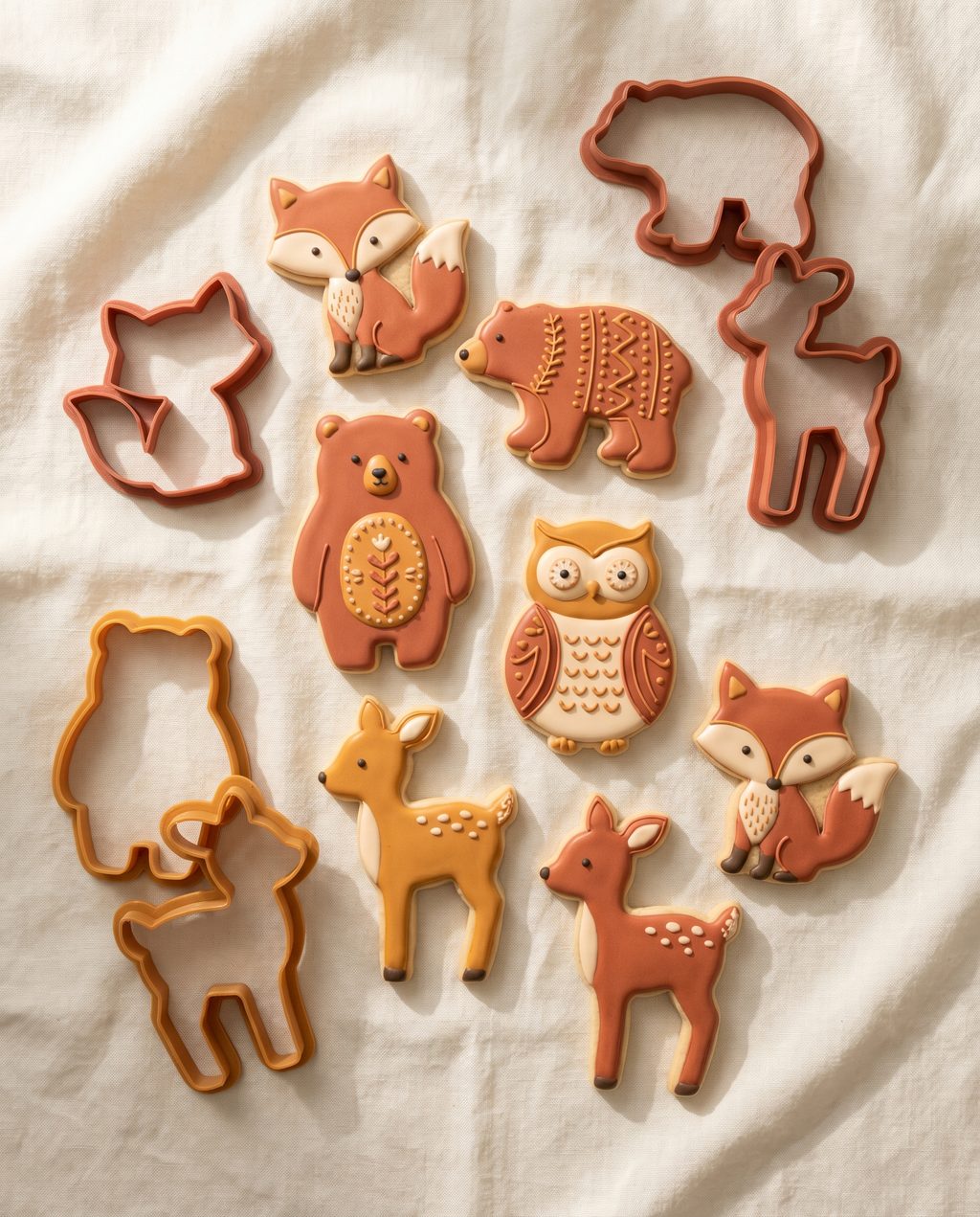
Made for Etsy sellers and bakers who sell: turn a list of names into a ZIP of personalised cutters, export any design in several sizes at once, and let AI write your product listing.

From playful animal shapes to sleek silhouettes — it all starts with a single image.
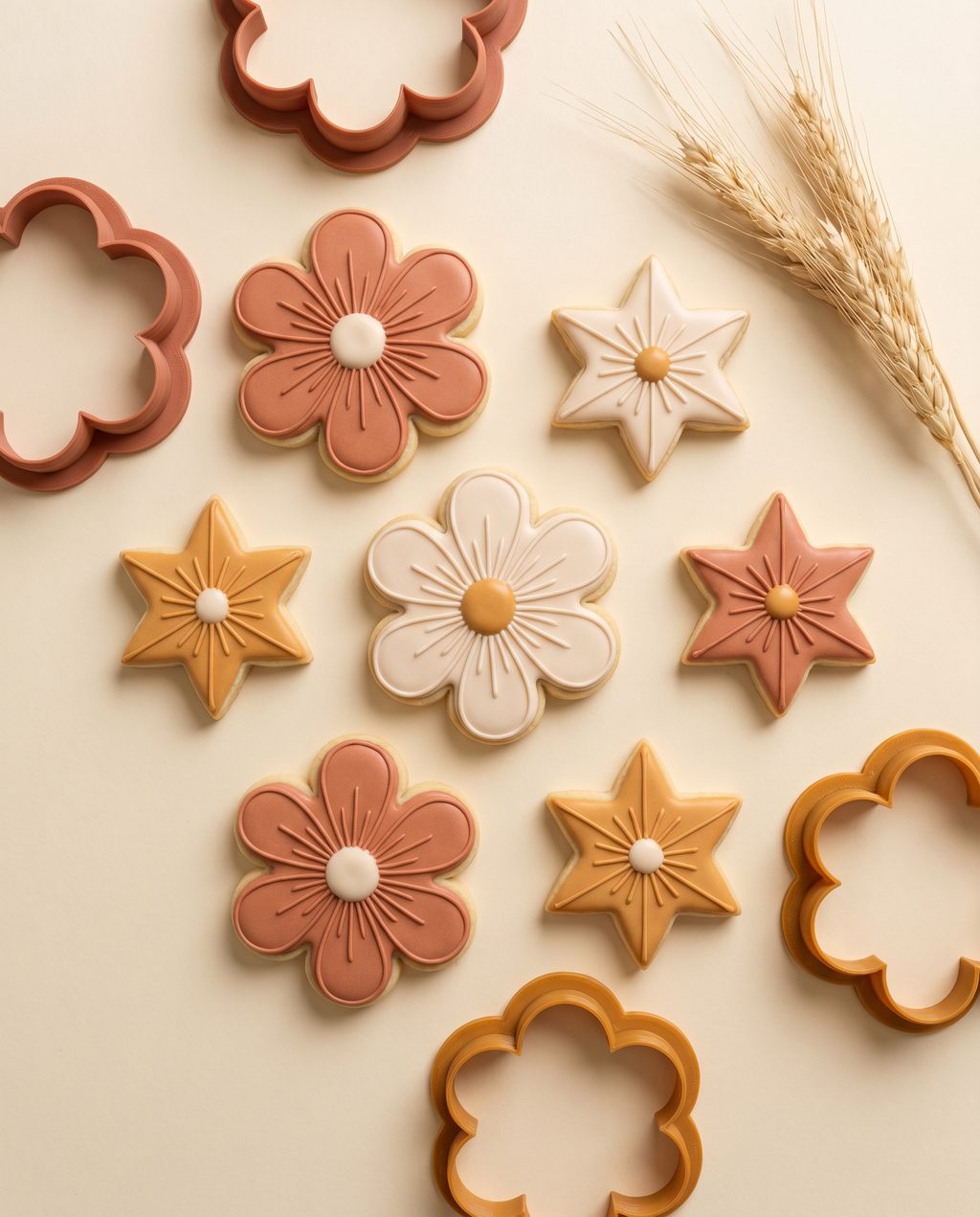

Design and preview for free. Pay per download, or unlock everything with Pro.
✓ Commercial license included — on every plan, even Free. Your designs are yours: sell the cutters you print on Etsy, at markets, anywhere. No attribution needed.
To try it out
Start freeor $9.99/mo billed yearly — save ~29%
Go ProCancel anytime
or $15.99/mo billed yearly — save ~27%
Go BusinessCancel anytime
No subscription — top up anytime
Buy creditsAI tools (dough preview, product photos, Etsy listings) use a monthly quota — generous for everyday use, with top-up packs if you need more. Designing and buying credits never need a subscription.
Everything you need to know before you start.
No sign-up needed — just open the app and start. Your designs are saved automatically so you can reopen them later.
Yes. Designing your cutter and exporting a printable STL runs right in your browser, free to use.
Upload a PNG, JPG or SVG, sketch a silhouette yourself, or let the AI turn a description into a clean line drawing. Bold, simple shapes work best.
A watertight STL — one solid, printable body with a support plate, relief detail and a sharp cutting edge.
Any standard FDM printer. Slice the STL in your usual slicer (Cura, PrusaSlicer, Bambu Studio…) and print in PLA or PETG using food-safe handling.
Yes. Set the longest side in millimetres or inches and the whole cutter scales instantly, with live dimensions.
Built in the open. Here's what just shipped, what we're making now, and what's next — your feedback moves things up the list.
Any drawing becomes clean, cutter-ready outlines.
Layers, wall thickness & connectors in real time.
Bulk personalized name cutters, bundled in one ZIP.
Preview and present your design before you print.
Two-piece stamp & cutter sets in one export.
Cut a whole tray of shapes in a single press.
Organise and share models with your team.
The studio in your language, beyond EN & NL.
Know time and filament before you slice.
Design and preview on the go.
Discover and remix shapes from other makers.
Send straight to Bambu, Cura or PrusaSlicer.
No install, no hassle. Open the app, drag in an image and print.
Open the app →
Come say hi on socials
Fresh cutter ideas, behind-the-scenes prints and new features — first on our feed.